1.
Download Karoot
Karoot is live on the App Store and Google Play.

For groomers
Karoot is built to give you more control over how you work: your services, your prices, your availability, and the bookings you accept. Here’s the signup, in order.
Karoot is live on the App Store and Google Play.
On the sign-in screen, tap “Sign up” under “Don’t have an account?”
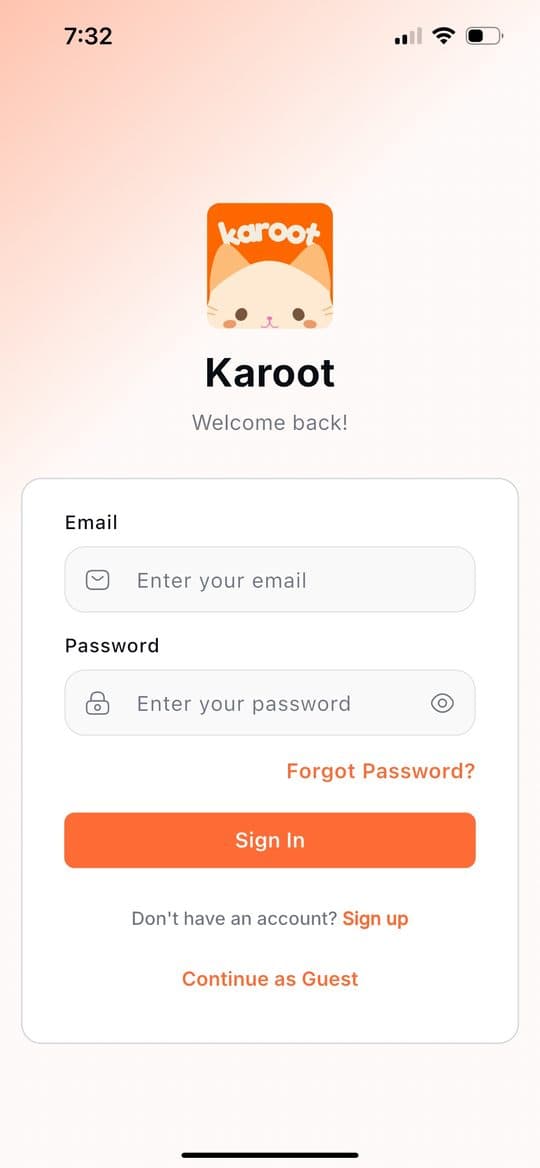
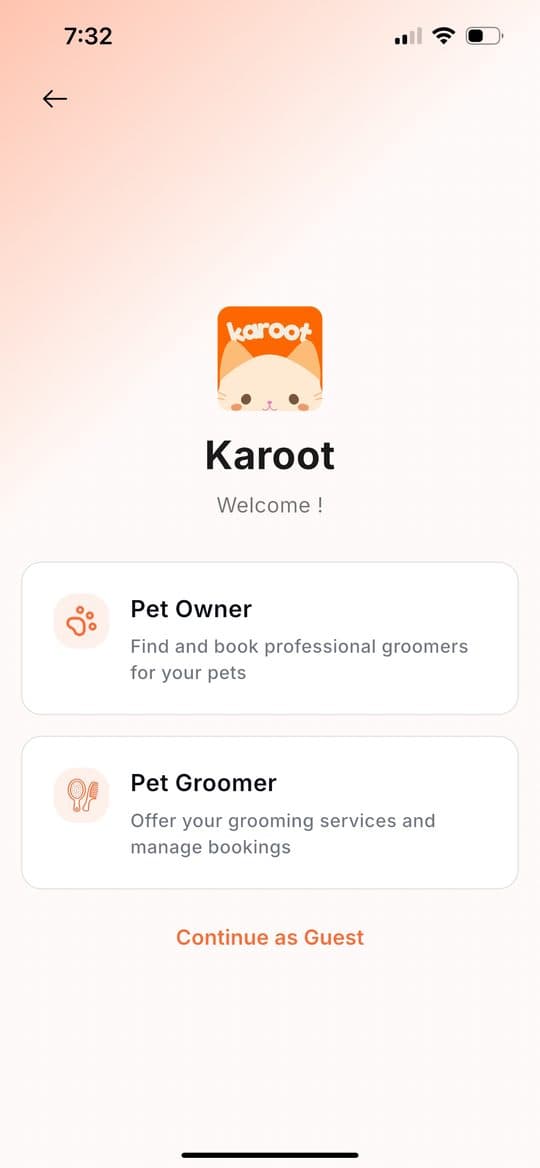
You’ll see two options: Pet Owner and Pet Groomer. Tap Pet Groomer — “Offer your grooming services and manage bookings.”
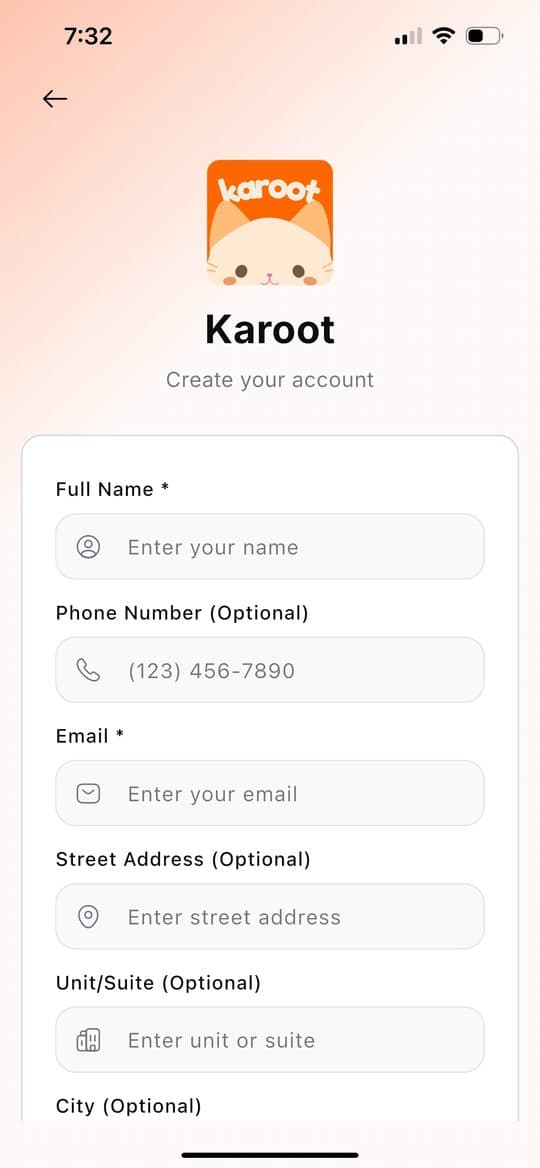
Enter your full name and email — both are required. Phone number, street address, unit/suite, and city are all optional.
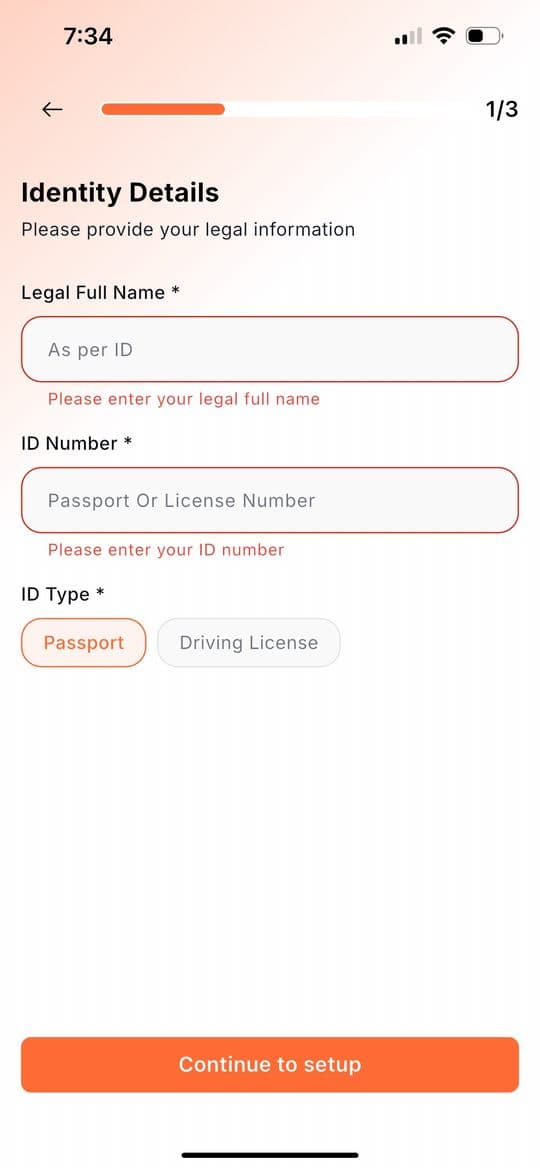
Enter your legal full name exactly as it appears on your ID, your ID number, and your ID type — Passport or Driving License. All three are required, and the name and number need to match the ID you’ll upload at the end. Then tap “Continue to setup.”
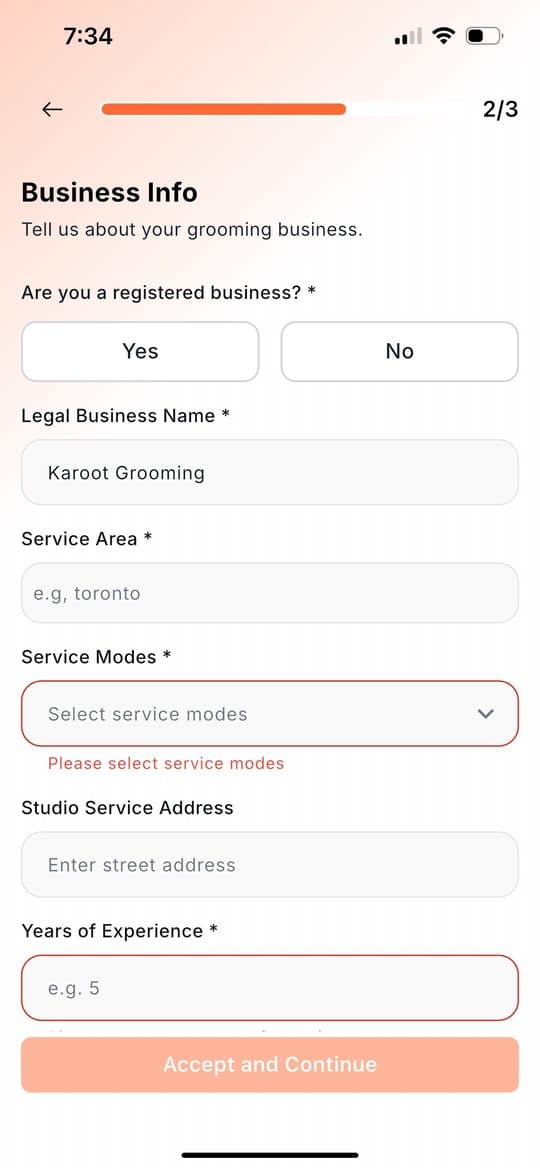
Say whether you’re a registered business, add your legal business name (or the name you trade under), your service area, and your years of experience. For service modes, choose how you work: At-Home Grooming, Drop at Studio, or Meet at Pet Wash. Studio Service Address is only needed if you offer Drop at Studio. Then tap “Accept and Continue.”
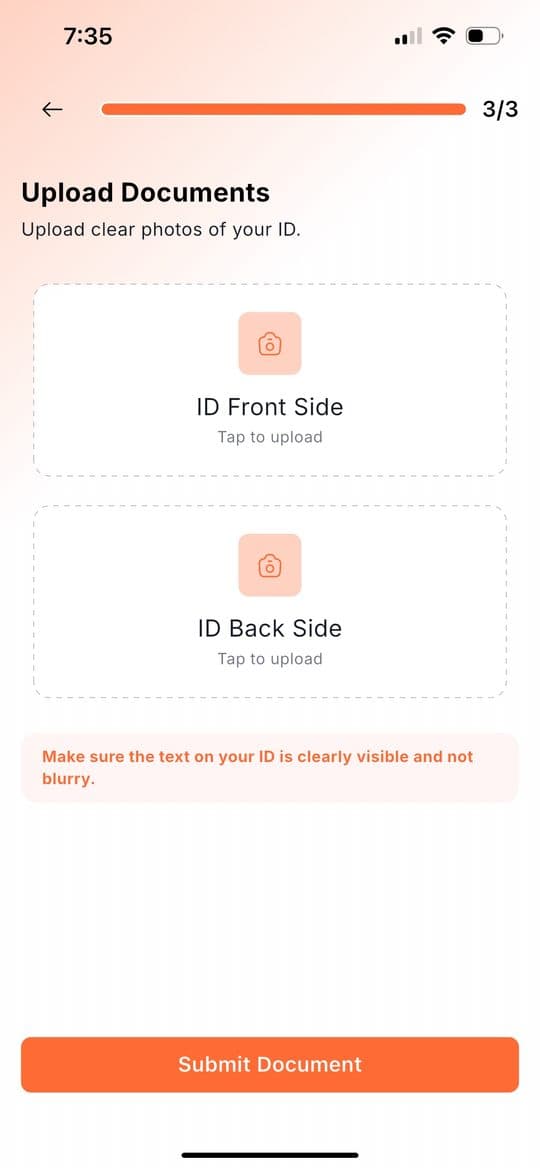
Take clear photos of the front and back of the same ID you entered earlier, and upload one in each box. Make sure the text is clearly visible and not blurry. Then tap “Submit Document.”
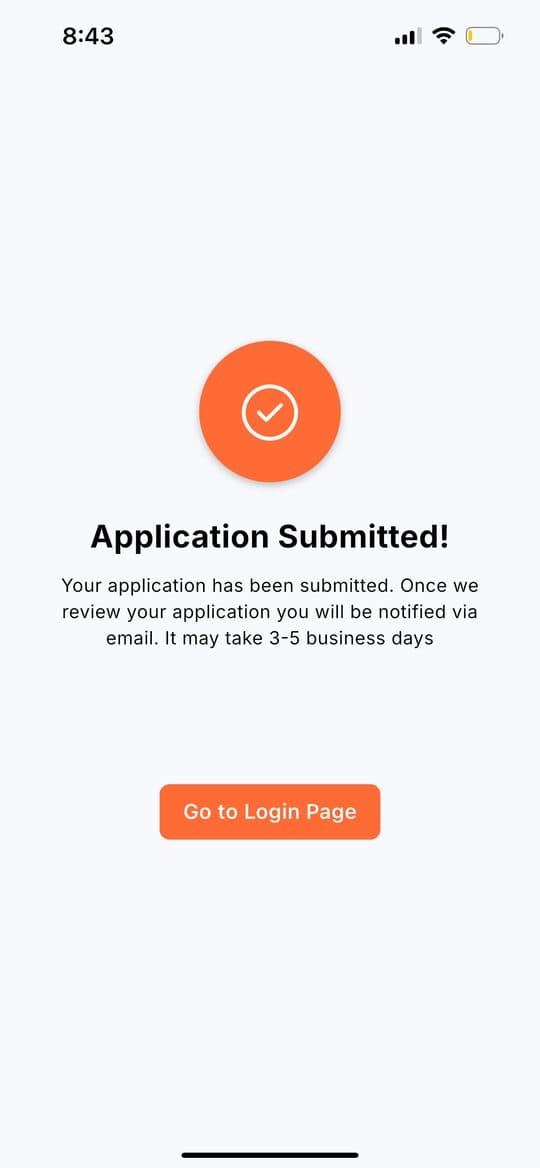
You’ll see a confirmation that your application has been submitted. Review takes 3–5 business days, and you’ll be notified via email once it’s done.
Once you’re approved, you can log in. Then, in order:
Once that’s done, you’re completely ready to accept bookings. One thing to keep up: update your availability every week so it stays current.
If anything gets stuck, write to hello@karoot.ca.